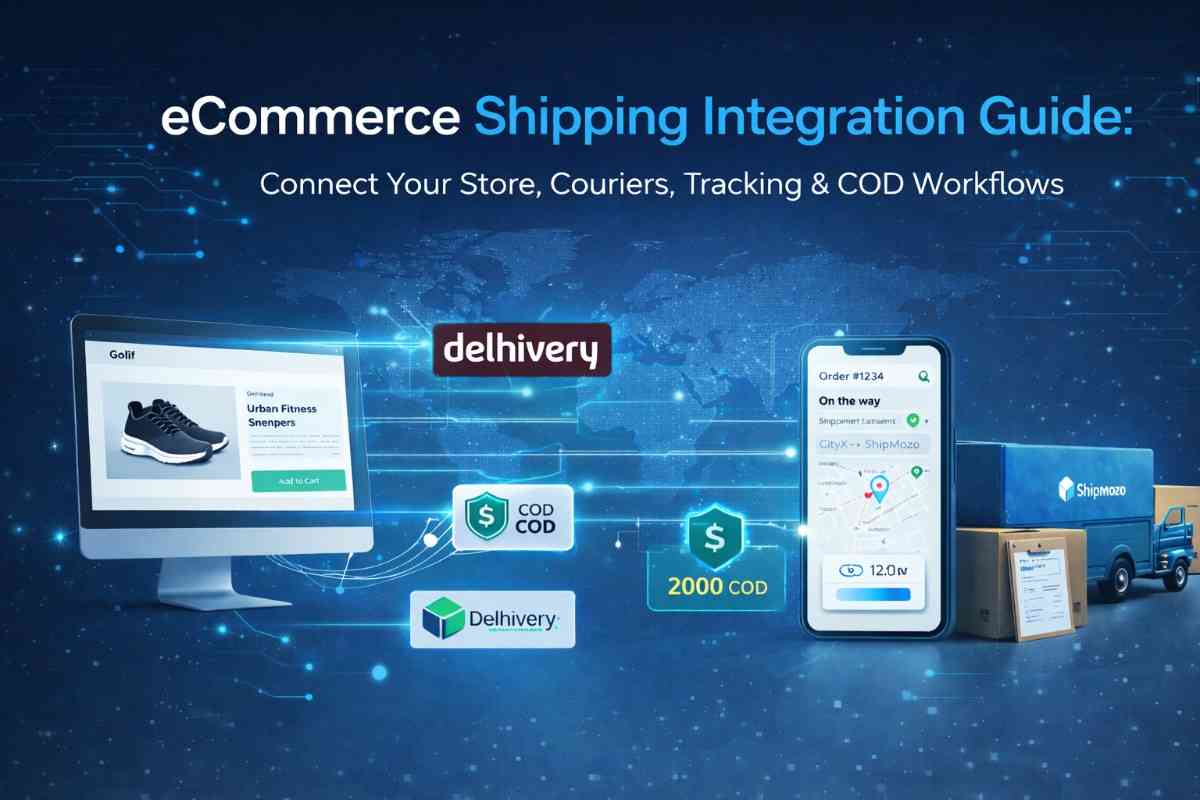
eCommerce Shipping Integration Guide: Connect Your Store, Couriers, Tracking & COD Workflows
If your shipping process still involves manual courier booking, tracking links, and COD reconciliation, you're already losing time, money, and control.
The solution?
eCommerce shipping integration.
It connects your online store, courier partners, tracking system, and COD workflows into one automated system—so you can scale without operational chaos.
What is eCommerce Shipping Integration?
eCommerce shipping integration is the process of connecting your store (Shopify, WooCommerce, etc.) with:
This feature allows automatic order syncing, label generation, tracking updates, and COD reconciliation—all in one dashboard.
Why Shipping Integration is Critical for eCommerce
Without proper integration, sellers face:
- Manual order processing
- High RTO (Return to Origin)
- Poor tracking visibility
- COD payment delays
- Courier dependency issues
With integration, you get:
- Faster order processing
- Real-time shipment tracking
- Automated courier allocation
- Better COD control
- Reduced operational errors
Key Components of eCommerce Shipping Integration
1. Store to Courier Integration
Connect your store directly with multiple courier partners.
Benefits:
- Automatic order import
- Instant courier selection
- Bulk shipment processing
2. Shipment Tracking Integration
Enable real-time order tracking for both seller and customer.
Features:
- Live tracking updates
- Branded tracking pages
- Customer notifications (SMS/Email/WhatsApp)
3. COD (Cash on Delivery) Workflow Integration
Manage COD orders without confusion.
Includes:
- COD reconciliation tracking
- Payment status visibility
- Faster remittance cycles
4. Shipping Label & Fulfillment Automation
Automate repetitive tasks:
- Shipping label generation
- Invoice creation
- Bulk order dispatch
5. Courier API Integration
Advanced systems use shipping APIs to:
- Fetch courier rates
- Auto-assign best courier
- Optimize delivery speed & cost
How to Integrate Shipping with Your eCommerce Store
Follow this step-by-step process:
Step 1: Choose a Shipping Aggregator
Select a platform that supports:
This is where Shipmozo stands out.
Step 2: Connect Your Store
Integrate your store using:
- Shopify plugin
- WooCommerce plugin
- API integration
Step 3: Sync Orders Automatically
Once connected:
- Orders start appearing automatically
- No manual upload required
Step 4: Set Shipping Rules
Define rules like:
- Courier selection by location
- Weight-based shipping logic
- COD vs prepaid routing
Step 5: Enable Tracking & Notifications
Provide customers with:
Step 6: Monitor COD & Performance
Track everything in one dashboard:
- COD payments
- Delivery success rate
- RTO analytics
How Shipmozo Simplifies eCommerce Shipping Integration
Shipmozo is built specifically to solve real seller problems, not just provide basic shipping.
What makes Shipmozo different:
- All-in-one shipping integration dashboard
- Connect with multiple courier partners instantly
- Real-time tracking + performance insights
- COD visibility with faster remittance
- Reduce RTO with smart workflows
- Automated reattempts & NDR management
- Dedicated account manager support
Instead of juggling tools, Shipmozo gives you one system to manage everything.
Common Problems Solved by Shipping Integration
1. “Orders are increasing but operations are messy."
→ Automation solves scaling issues
2. “Customers keep asking where their order is."
→ Real-time tracking reduces support load
3. “COD payments are unclear."
→ Centralized COD dashboard fixes this
4. “RTO is killing margins."
→ Smart courier allocation + NDR workflows reduce RTO
FAQs
1. What is the best shipping integration for eCommerce?
The best solution is one that combines courier integration, tracking, COD management, and automation—like Shipmozo.
2. How do I connect my store to courier services?
You can connect via:
- Plugins (Shopify/WooCommerce)
- API integration
- Shipping aggregator platforms
3. How does shipping integration reduce RTO?
It helps by:
- Choosing the right courier
- Enabling NDR actions
- Improving delivery success rate
4. Can I track all shipments in one place?
Yes, with proper shipment tracking integration, you can monitor all orders from a single dashboard.
5. How is COD managed in shipping integration?
You get:
- COD order tracking
- Payment reconciliation
- Remittance reports
Conclusion
If you're serious about scaling your eCommerce business, manual shipping is not an option anymore.
You need a system that connects:
- Your store
- Your couriers
- Your tracking
- Your COD workflows
That’s exactly what Shipmozo delivers.
Less manual work. More control. Better profits.


.svg)







.webp)